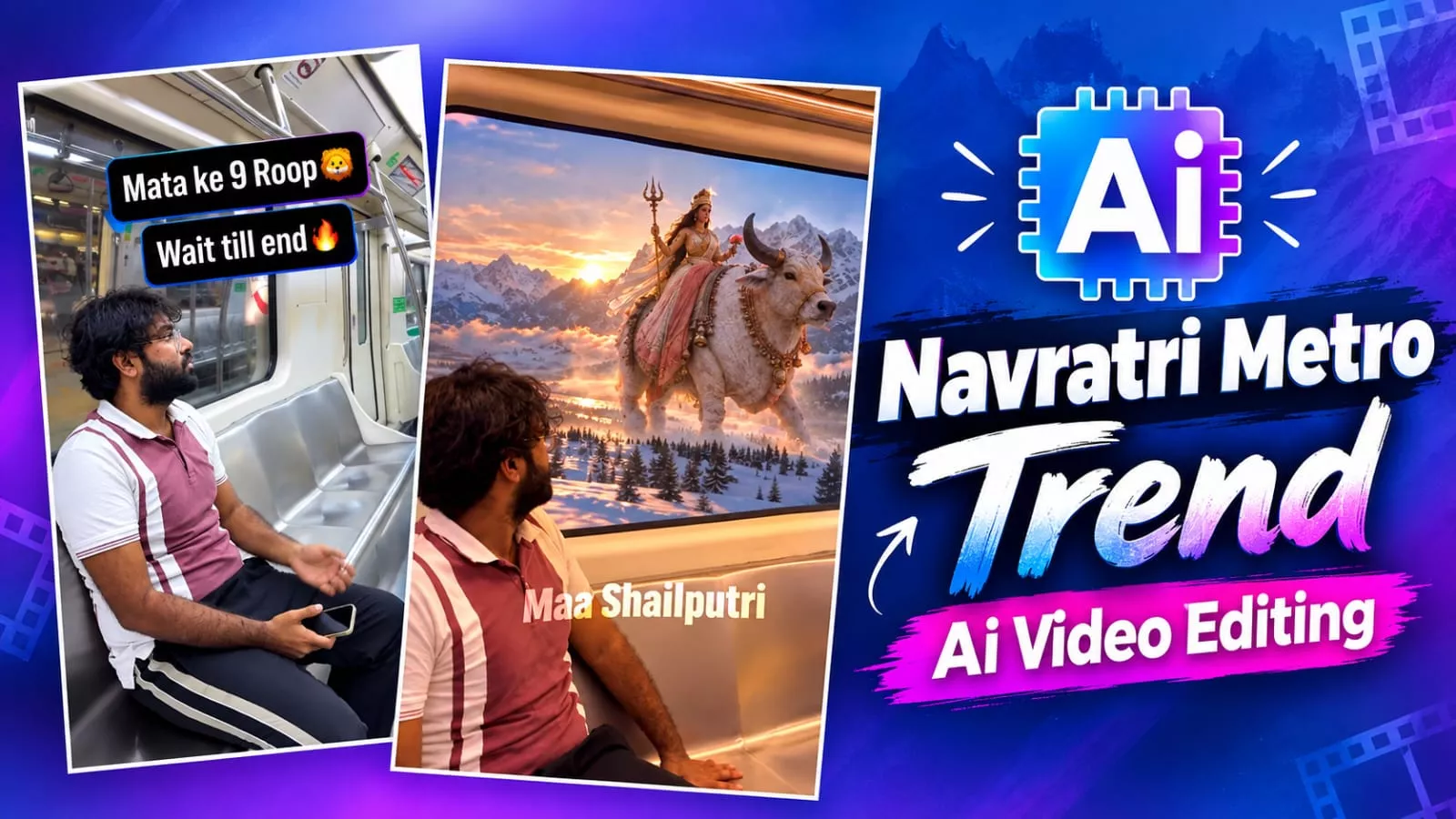
Navratri Metro Ai Video Editing Prompt – You’ve likely seen how “metro transition” videos are going viral on social media; people are creating them in large numbers. I’m here to tell you that you can create these viral videos too. You simply need to follow a straightforward process to make them. If you aren’t familiar with the method, just follow this article, where I’ll explain everything in detail. I won’t outline the specific steps right here in the introduction—explaining it all now would be overwhelming, especially for a beginner. To get the editing right, you really need to understand the process step-by-step.
Navratri Metro Ai Video Editing Prompt
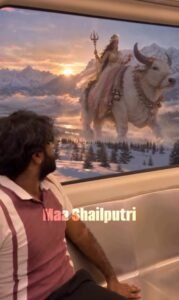
Let me explain what you will see in the video and how to create it. First, understand the visual content: the video shows someone sitting in a metro, followed by a display of the nine forms of the Goddess associated with Navratri. These nine forms appear one by one, creating a very attractive visual effect. People often wonder how this is done, as it isn’t something easily achievable in real life; yet, such videos are created to look incredibly realistic. Since people love this style and want to create similar videos themselves, you can do so by following these steps.
Methods Of Creating The Video
We could use two types of tools to create this, but I will show you how to do it using just one—one that allows you to create a video in a truly professional manner. I’ll let you know what is required and explain the creation process; you simply need to follow the steps.
Video Prompt-
A 10-second highly realistic, cinematic POV video from inside a fast-moving metro train. For the first 3 seconds, a young man (@YourName) is sitting on the seat, looking out the window at a normal, fast-moving, blurred dark metro tunnel. He gives a curious, amazed, and natural reaction as a bright divine light begins to glow outside. For the remaining 7 seconds, the view outside the window completely transforms into a breathtaking, high-end VFX sequence showing the dynamic, hyper-realistic divine forms of Goddess Durga. The outside scenery changes rapidly: a goddess riding a majestic white bull in snowy mountains with a glowing sunrise, another on a fierce roaring lion in a fiery battlefield, a giant waterfall, and a goddess seated on a glowing pink lotus. The cinematic divine light seamlessly reflects on the man's face inside the moving train. The transition is smooth, highly detailed, and looks completely natural without being over-edited."
How to Generate Your Video?
A prompt is provided in our article; first, copy it. Then, search for the AI tool on Google and open the first website that appears. Sign up there and click on “New Project.” Next, click the plus (+) icon at the top to upload your reference photo—having this photo is essential for creating a perfect video. Select the photo, then choose the plus (+) option below to start the creation process. Paste the prompt you copied earlier. Now, adjust the settings: set the aspect ratio to 9:16 and select “Omni Flash” as the model. Finally, hit “Generate” to create a perfect video.
Conclusion
When you create this video, it will be 10 seconds long. If you want to make a longer video, there is an additional step to take after the initial 10 seconds; please let us know in the comments, and we will guide you through the proper process. Since Google Flow generates 10-second videos that are popular with audiences, go ahead and create one—you might just go viral.
Thank you for reading this post! Don’t forget to check out our other posts for more trending editing ideas, templates, and tutorials.