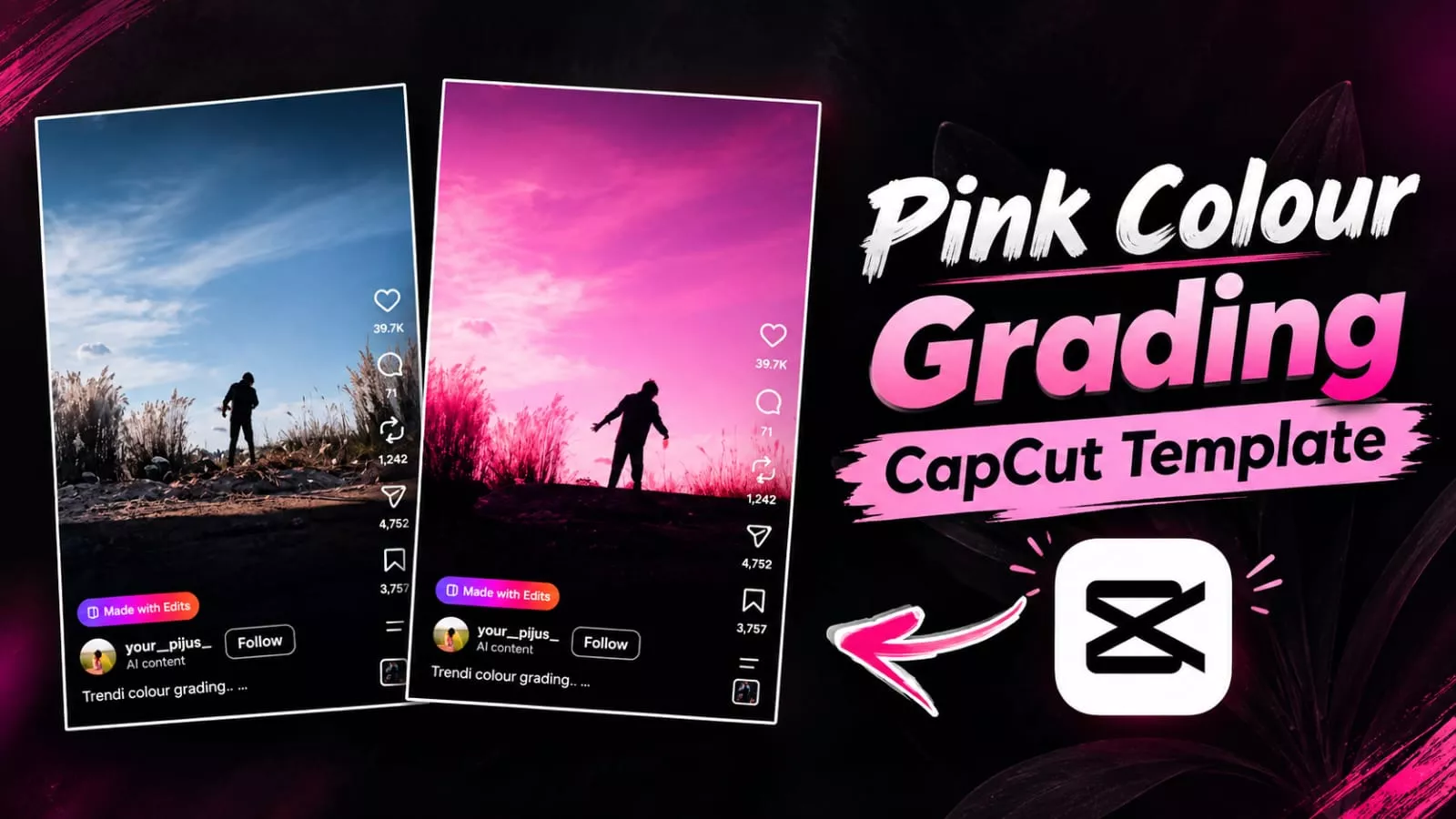
Pink Colour Grading Capcut Template – You have likely noticed how the video featuring that specific pink color grading is going viral. Creating it has become very easy these days; if you do it the right way, you can produce a perfect video. In this article, I will explain how you can easily create this viral social media edit. If you want to make one, simply follow the straightforward steps I’ve outlined. Just follow the instructions, create your video, and let me know what you think of the result.
Pink Colour Grading Capcut Template
This pink color editing, why is it so different? Look, nowadays people do cinematic natural editing in different types of green color. But this pink color editing. It gives a completely different effect to your photo. When people see this kind of editing, they like it at first sight. What happens is that your video starts playing. Then after that as soon as the effect is applied, your video becomes completely in slow motion. If you make it near a black sky, then your video becomes more like Kamal. So even if you record a video now, then you must follow those steps on how to do it.
How To Record Video Clip For Editing?
First of all, understand that if you intend to do this kind of editing, recording high-quality footage is essential; otherwise, the final result won’t be perfect. You need to record a video from a low angle that captures the sky. To do this, go to your rooftop or a location where you can find ‘Kaash’ flowers (tall, feathery white grass flowers). Record the video from a low angle, ensuring there is a clear view of the sky to achieve the best outcome. If you record a video this way—even one lasting just 10 seconds—you will get excellent results, and it has the potential to go viral.

Process Of This Editing
We will be using a CapCut template for this edit, so you should be familiar with it. It allows you to create professional, premium-quality edits with ease. You won’t have to edit manually, step-by-step, or spend hours working on the timeline—nothing like that. You can create this very easily. Once you understand the process of using the template, you will achieve results exactly like the viral videos you see.
How To Use Pink Colour Grading Capcut Template
Using this template is very easy. First, open CapCut and navigate to the templates section. Search for this specific template there. If you cannot find it there, you can also locate it on our YouTube channel, where you can watch the tutorial; alternatively, the template is provided directly here. Simply click on the “Check Template” option, and CapCut will open automatically. View the full preview, then click on it to add your own clips. You will then see your final preview ready. If you are satisfied with the edit, export it, and your work is complete.
Conclusion
I hope you liked this new trend. I’ve covered the editing process and all the details. If you enjoyed it, please let us know in the comments, and we’ll bring you more amazing edits like this.
Thank you for reading this post! Don’t forget to check out our other posts for more trending editing ideas, templates, and tutorials.